
Continuous audit and hardening of your Active Directory / Entra ID directories
Continuously audit and harden your directory security. Active Directory, Entra ID, and Microsoft 365 centralize your organization's critical identities and access points; their compromise grants full access to your information system. Cyberwatch detects risky configurations, accounts with excessive privileges, and exploitable weaknesses.
Why securing your directories has become critical
Active Directory and Microsoft 365 / Entra ID are primary targets for cyberattackers. Compromised identities, poorly managed privileged accounts, and misconfigurations are entry points exploited every day.

Exposed privileged accounts
Too many administrators, weak passwords, and vulnerable accounts: these are all vectors for privilege escalation.

Incorrect GPO configurations and delegations
Misconfigured GPOs, unconstrained delegations, and dangerous ACLs facilitate lateral movement toward critical resources.

Exposure of collaboration tools
Excessive sharing on SharePoint, Teams, or OneDrive and risky Exchange configurations expose your sensitive data.
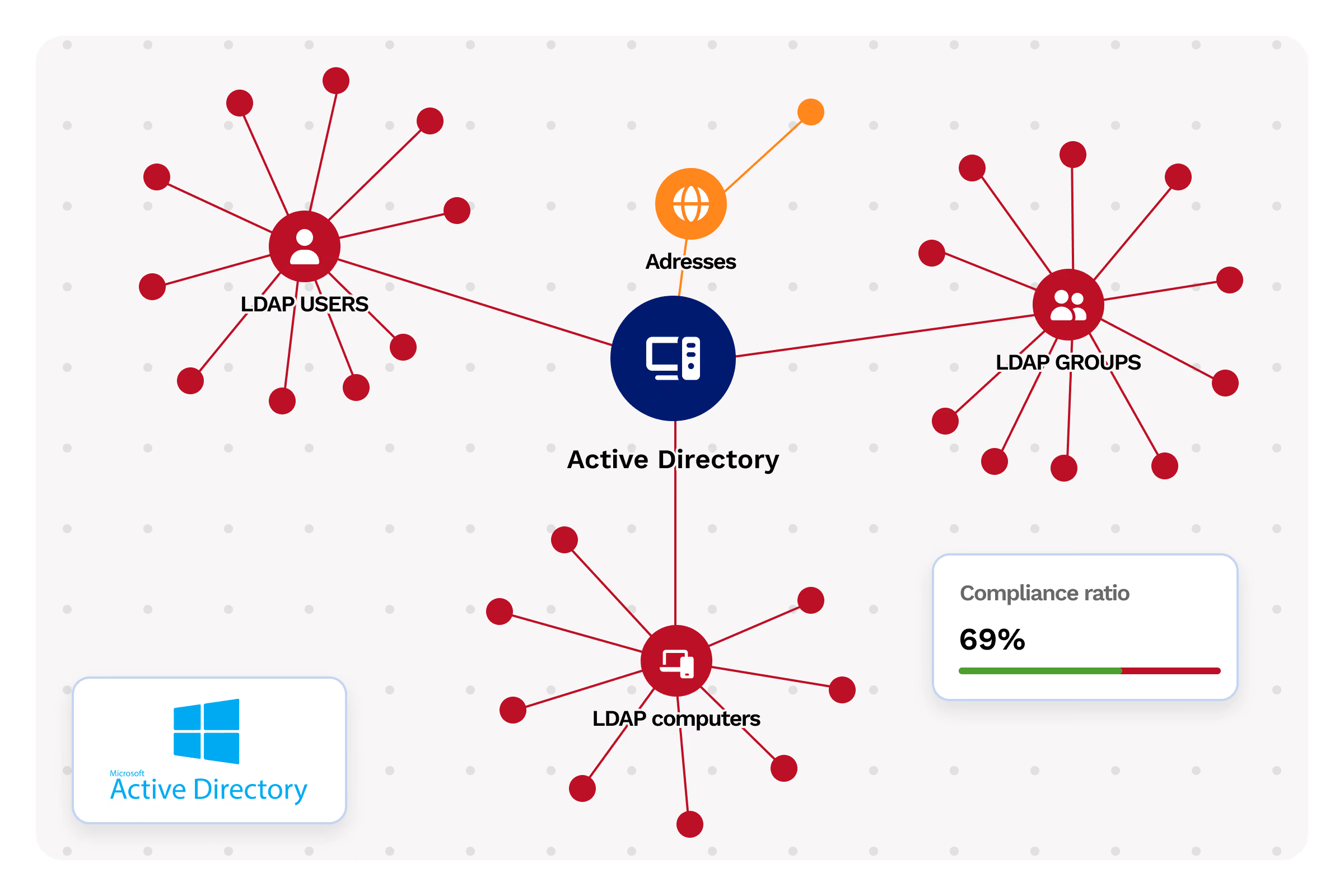
Active Directory
On-premises Active Directory
Continuously audit and remediate Active Directory vulnerabilities
Cyberwatch detects critical vulnerabilities and misconfigurations on your domain controllers and multi-domain environments.
Domain controllers
Exposed services and TLS/SSL configuration
- Item 1
- Item 2
- Item 3
Privileged accounts
Password management, exposure, and administrator delegation scope
- Item 1
- Item 2
- Item 3
User accounts
Obsolete accounts, weak passwords, vulnerable accounts
- Item 1
- Item 2
- Item 3
Access rights and delegations
Unconstrained delegations, dangerous ACLs, members of critical groups
- Item 1
- Item 2
- Item 3
GPO
Misconfigured or exploitable policies
- Item 1
- Item 2
- Item 3
CERT-FR compliance for Active Directory and integrated ANSSI hardening guides.
microsoft 365
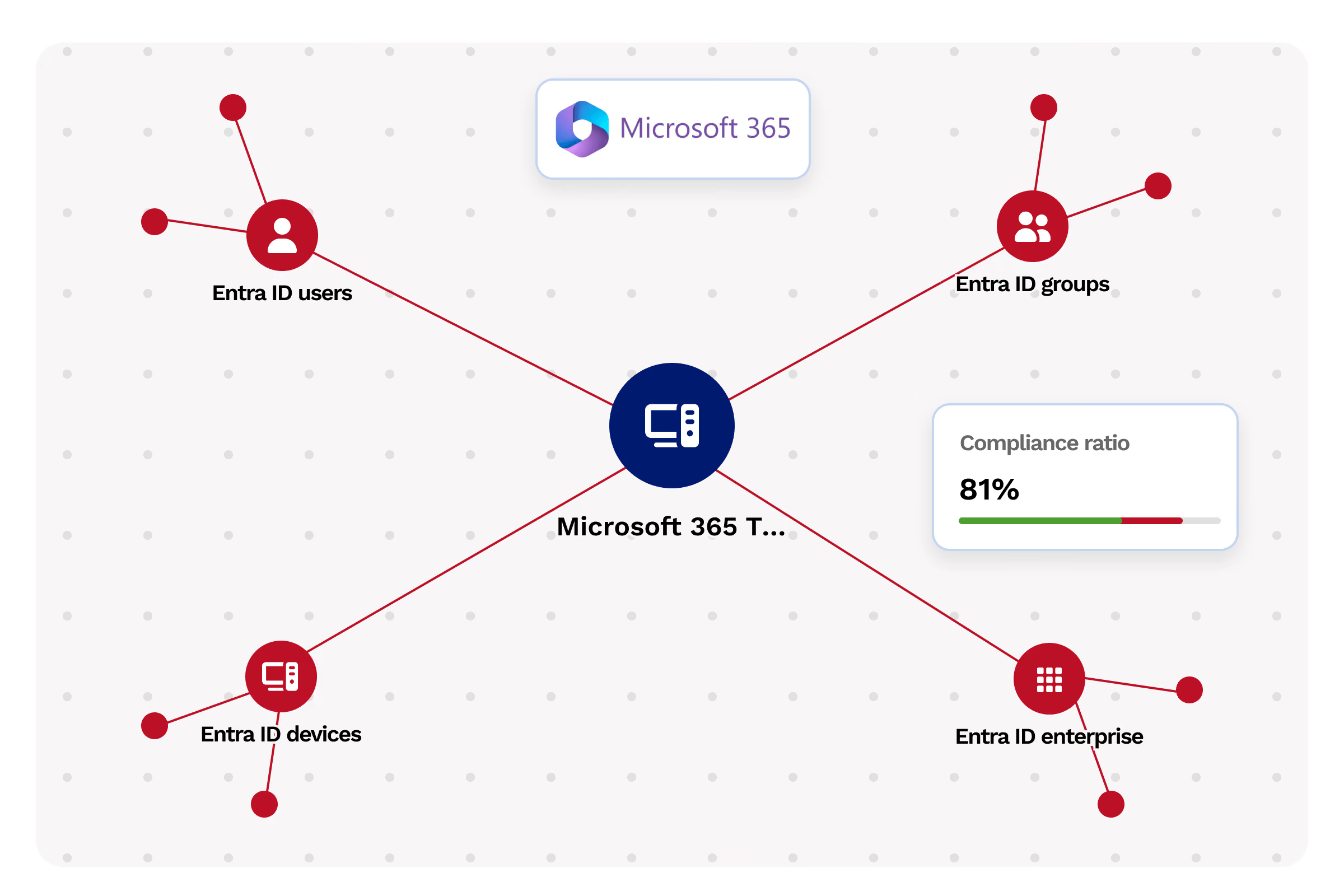
Microsoft 365 and Entra ID
Continuously audit the security of your Microsoft 365 tenant
Cyberwatch analyzes your Microsoft 365 environment configuration across three critical areas: identities (Entra ID), collaboration tools, and email. Identify vulnerabilities and misconfigurations before they are exploited.
Coverage:
Identities (Entra ID)
Conditional access policies, MFA, guest management, privileged accounts
- Item 1
- Item 2
- Item 3
Collaboration tools
SharePoint, Teams, OneDrive: excessive sharing and risky configurations
- Item 1
- Item 2
- Item 3
Exchange Messaging
Anti-phishing and anti-spam configuration
- Item 1
- Item 2
- Item 3
TITLE
Nozomi Networks
Import inventory from Nozomi sensors already deployed on your industrial networks
- Item 1
- Item 2
- Item 3
Allentis (Framatome subsidiary)
Native connector with ANSSI-qualified Allentis NDR probes for unified IT/OT mapping
- Item 1
- Item 2
- Item 3
Seckiot
Integration with Seckiot probes to enrich OT inventory
- Item 1
- Item 2
- Item 3
Seckiot
Correlation between network data (probes) and system data (Safe Query) for a complete, deduplicated inventory
- Item 1
- Item 2
- Item 3
CIS Benchmarks for Azure, Microsoft 365, and NIS2 / DORA / ISO 27001 compliance.
management reporting
Management and reporting
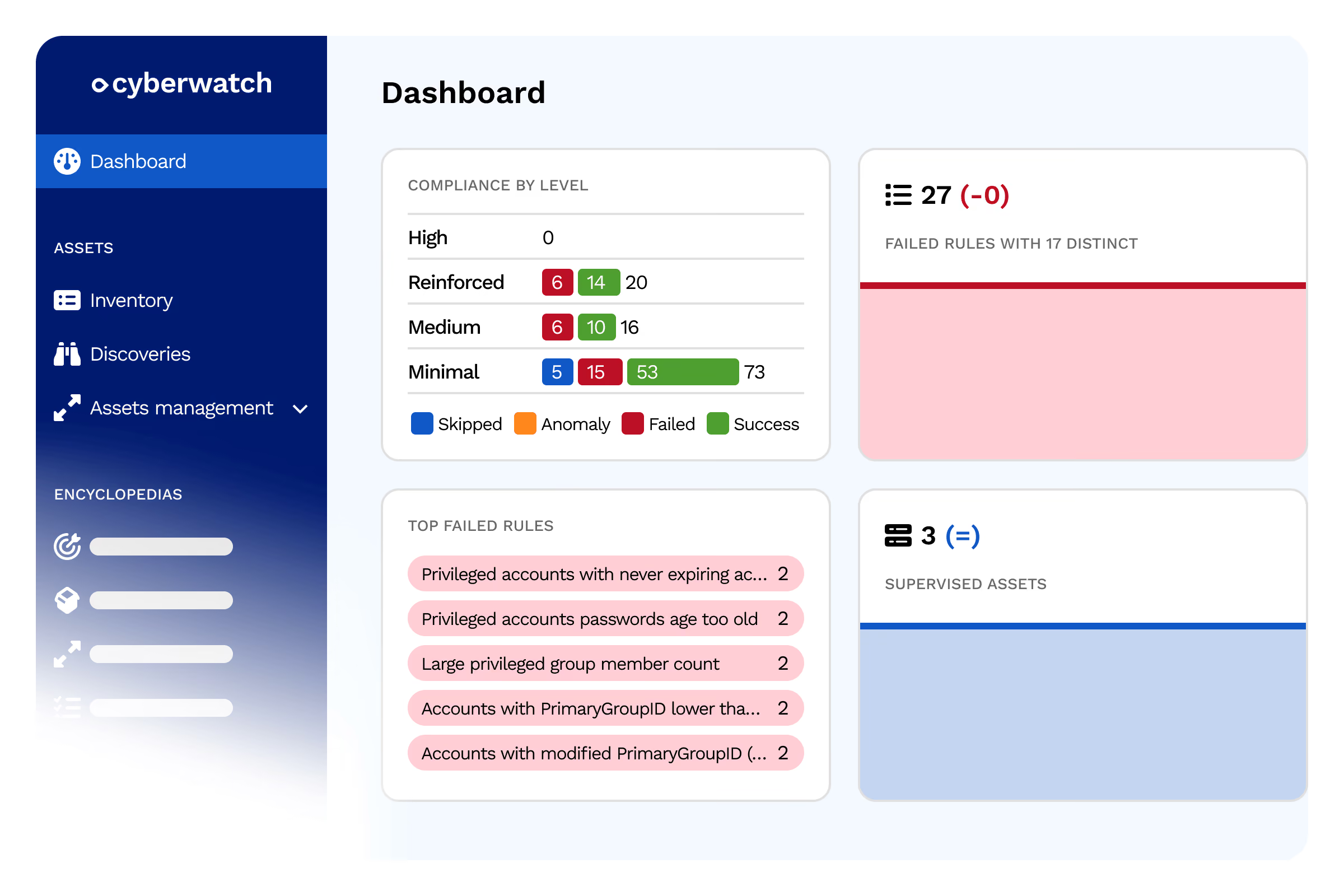
Manage your directory security with actionable scores, reports, and recommendations
Compliance scores by directory
Measure the security maturity of every Active Directory and Microsoft 365 tenant
- Item 1
- Item 2
- Item 3
Prioritized remediation recommendations
Each gap is associated with a concrete action and its criticality level
- Item 1
- Item 2
- Item 3
Automated reports
Exportable executive and technical reports for your compliance audits
- Item 1
- Item 2
- Item 3
Tracking over time
Monitor the evolution of your posture and verify the remediation of gaps
- Item 1
- Item 2
- Item 3
Multi-domain environments
Consolidated view for groups, holding companies, and multi-forest environments
- Item 1
- Item 2
- Item 3
Testimonials
Hardening our configurations according to CIS Benchmarks allowed us to close entry points we hadn't even considered, all without interrupting our production.

Systems Administrator, industry
Systems and Network Administrator

Continuous auditing of our Active Directory revealed several poorly managed privileged accounts, which we were able to remediate quickly.
CISO, healthcare
CISO
FAQ
From asset mapping to automated remediation.
Why is Active Directory a primary target for cyberattackers?
Active Directory centralizes identities and access across your entire information system. Its compromise often grants full access to an organization's critical resources through privilege escalation or lateral movement. This is why attackers prioritize targeting administrator accounts, misconfigured GPOs, and unconstrained delegations.
What is unconstrained delegation and why is it dangerous?
Unconstrained delegation allows an account or service to act on behalf of any user in the domain, including administrators, without scope restrictions. When misconfigured, it paves the way for lateral movement and privilege escalation attacks, enabling an attacker who has compromised a limited account to impersonate more critical identities.
Can Cyberwatch audit a multi-domain Active Directory environment?
Yes, Cyberwatch detects critical vulnerabilities and misconfigurations across all your domain controllers, including in multi-domain or multi-forest architectures. The audit is based on ANSSI hardening guides and CERT-FR alerts specific to Active Directory.
What risks does Cyberwatch detect on Microsoft 365 and Entra ID?
Cyberwatch analyzes your Microsoft 365 tenant across three key areas: Entra ID identities (privileged accounts and authentication), collaboration tools (SharePoint, Teams, and OneDrive), and Exchange email. The audit leverages CIS Benchmarks for Azure and Microsoft 365 to identify risky configurations before they can be exploited.
How does a privileged account become a risk to the organization?
A privileged account becomes a risk when it is too broadly assigned, protected by a weak password, or left active and unmonitored after a job change. These poorly managed accounts are a direct target for attackers seeking rapid privilege escalation to the most critical resources in the directory.
Does directory hardening contribute to regulatory compliance?
Yes, continuous auditing of Active Directory, Entra ID, and Microsoft 365 directly supports your NIS2, DORA, and ISO 27001 compliance efforts, all of which require rigorous identity and access management. Cyberwatch automatically generates audit scores and reports to help you easily demonstrate compliance to your auditors.